All CultivateWP themes include built-in styling for WPForms, which is our preferred forms plugin.
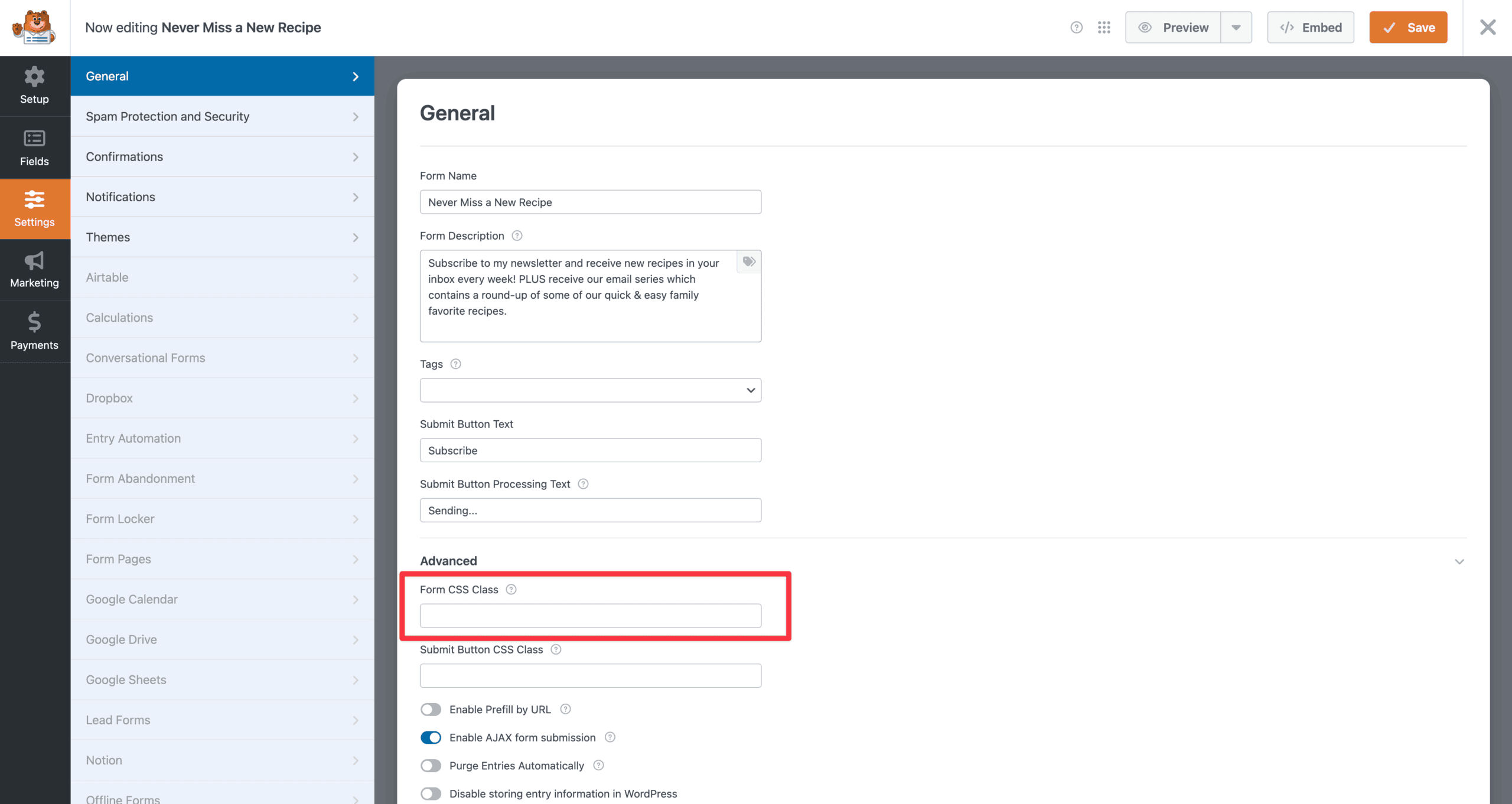
There are two custom layouts that can be applied using the “Form CSS Class” option. To use one of these layouts, go to WPForms > {edit the form} > Settings > Advanced > Form CSS Class.
- Leave this field empty for the “Default” layout
- Add a class of
flex-fieldsfor the “Flex Fields” layout - Add a class of
one-linefor the “One Line” layout
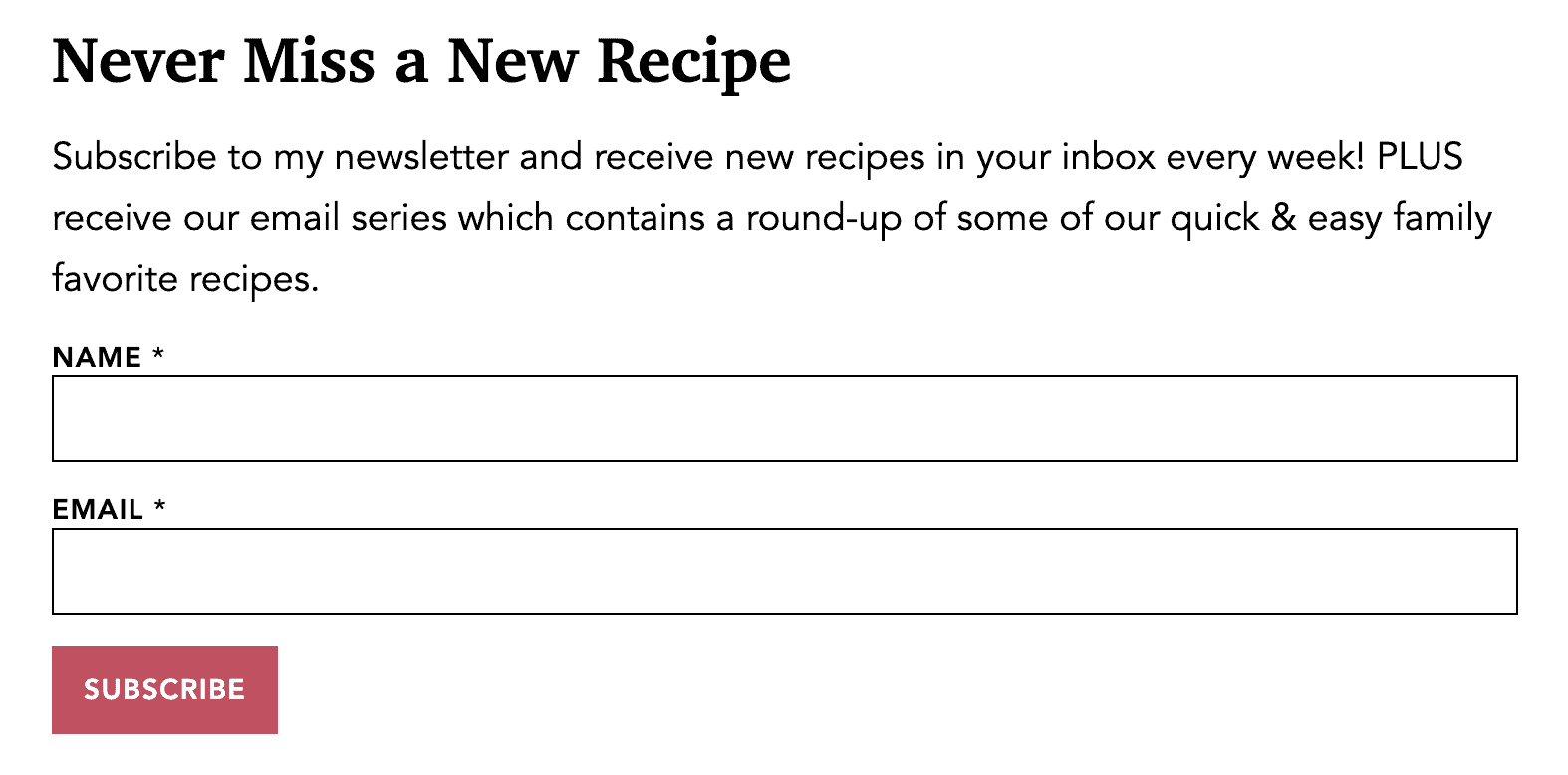
Default
This is what a form with two fields looks like without a custom layout. Note that the fonts, colors, and overall styling will be based on your theme’s unique style guide.
Flex Fields
The “Flex Fields” layout puts all the form fields onto one line. As you add more form fields, each one will get smaller to fit. The button remains below all the fields.

One Line
The “One Line” layout puts all the form fields and the submit button onto one line.